AM361
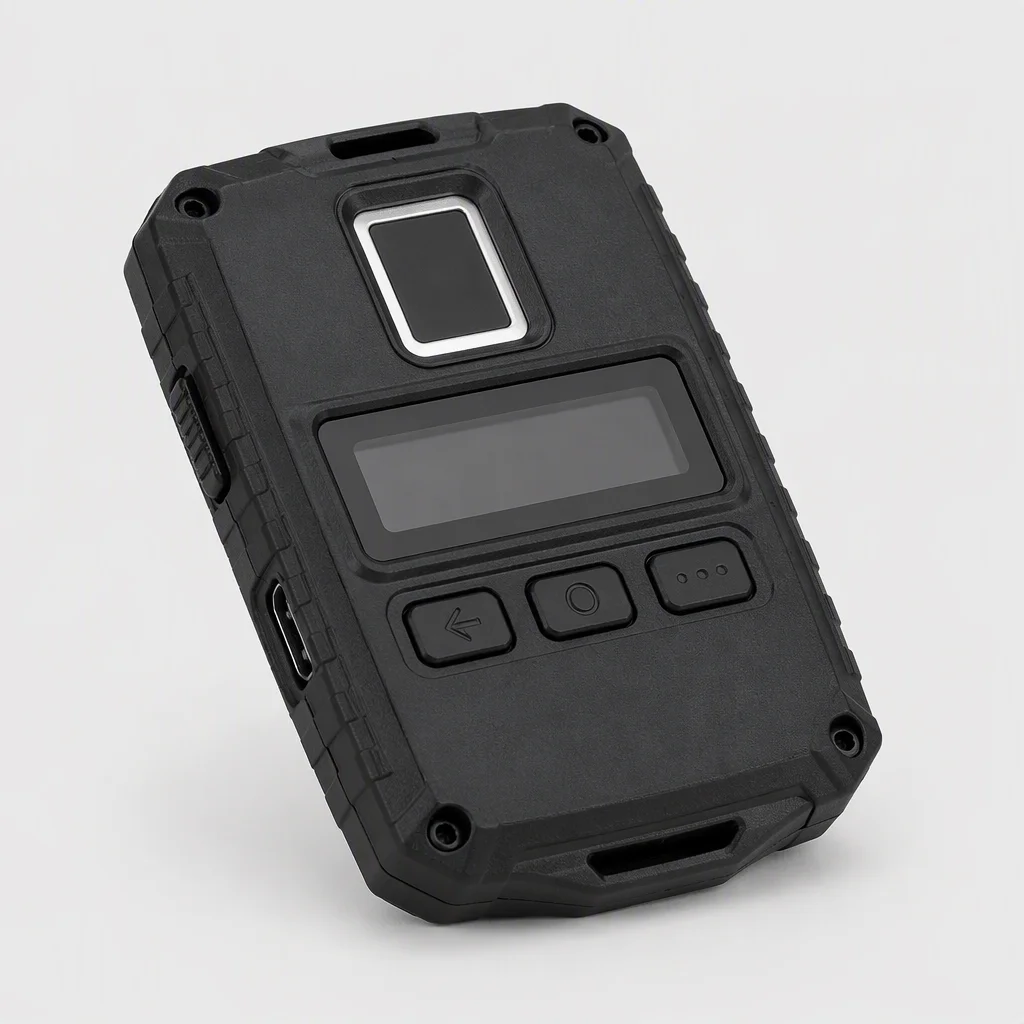
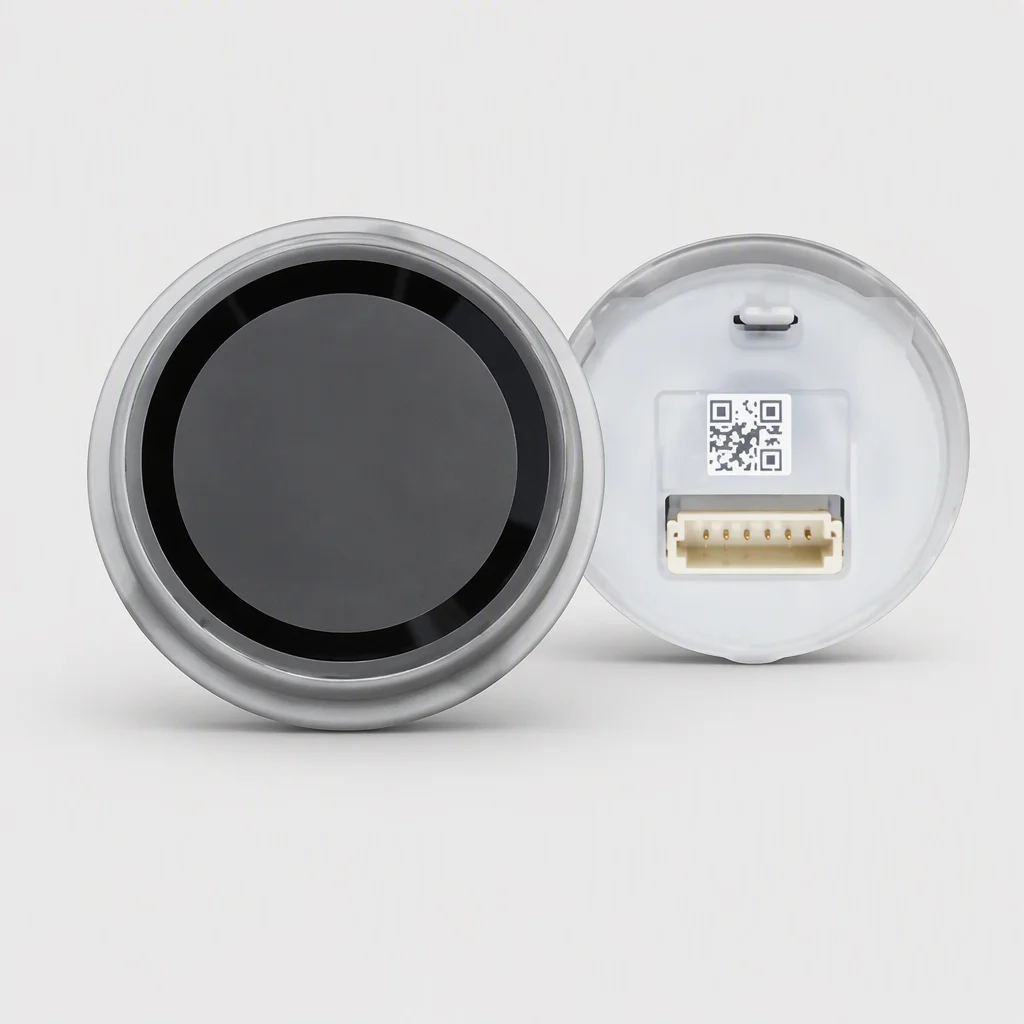
AM361 is the Windows Hello fingerprint key of the line, built to the Microsoft WBF spec compatibility level for desktop docks — sign-in at the dock instead of at the password prompt. MOQ is 1 pc; the free SDK and 48h FAE response cover dock integration, and production photos are on request.
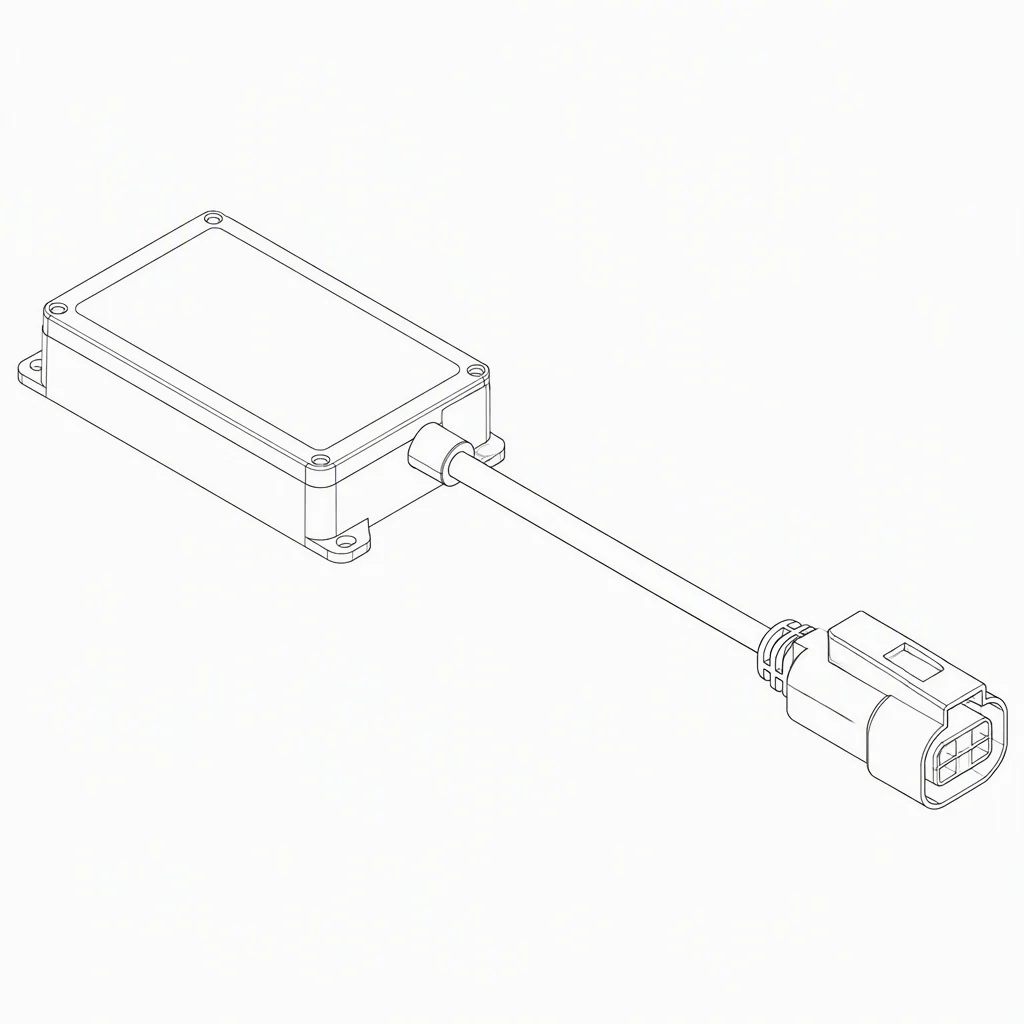
Key specifications
| Function | Windows Hello sign-in over a WBF-compatible fingerprint path |
|---|---|
| Compatibility | Microsoft Windows Hello specification — WBF compatible (Microsoft WBF spec wording) |
| Form | Desktop dock key — monitorside or keyboard-adjacent placement |
| Capture class | Family enrollment-standard capture; exact details on datasheet request |
| Target applications | Desktop docks, government desks, shared-desk programs |
| Marking | AM361 (Windows Hello fingerprint key) |
Full specification
| Parameter | Value | Note |
|---|---|---|
| Product family | Desktop fingerprint key line | WBF-compatible position |
| Compatibility | Microsoft Windows Hello spec — WBF compatible | Microsoft WBF spec wording |
| Capture class | Family enrollment standard | On datasheet request |
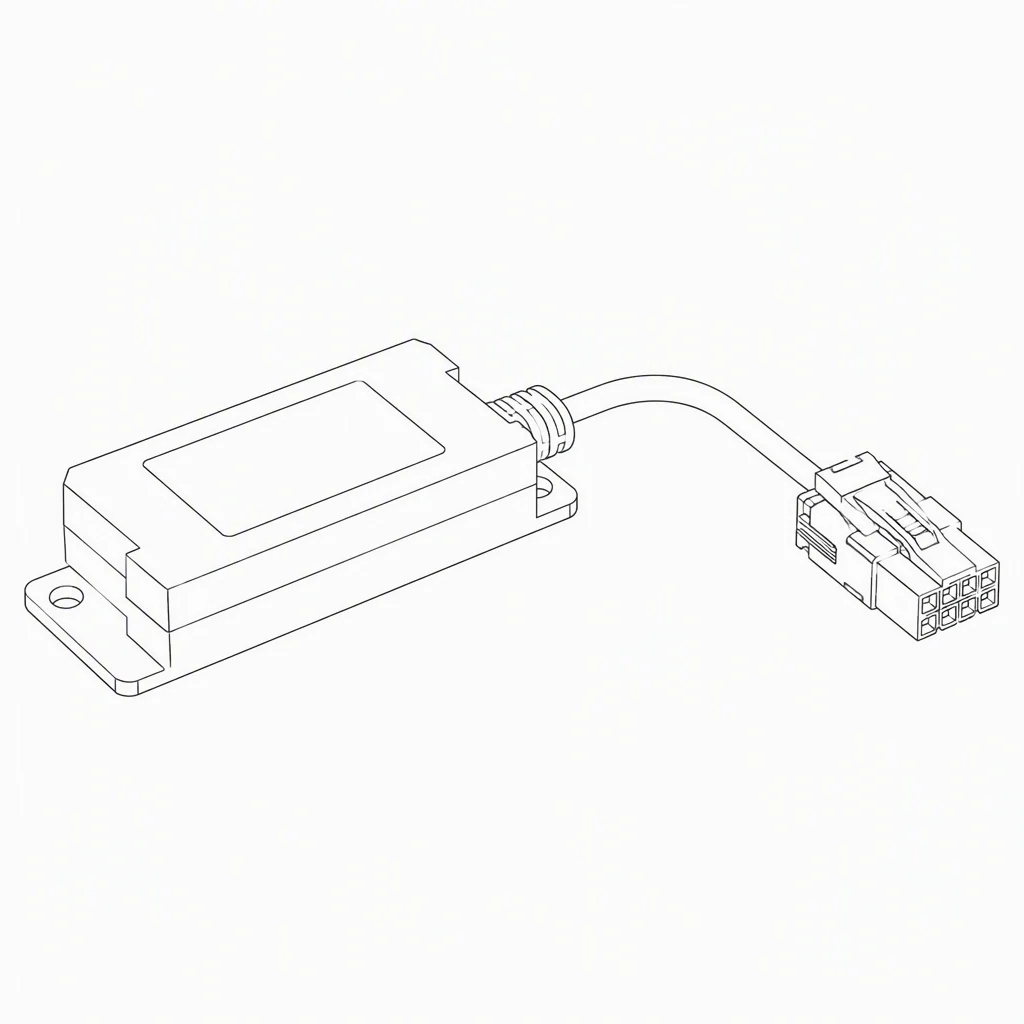
| Host path | Desktop dock connector | Exact pinout on datasheet request |
| Software | Free SDK with Windows Hello demo flow | With datasheet download |
| Volume lead time | 10–25 days, orders under 5,000 units | Company standard |
| Samples | 1–3 days | From 1 pc |
| Warranty | 2 years | From first unit |
Dock and OS-version pairing are part of the bring-up — the FAE team returns the matched list with the sample offer within 48h.

The sign-in the desk actually prefers.
An unlocked PC on a shared desk is a weak link that costs more in audit ink than the lock ever did. The WBF-compatible key puts enrollment and verification at the dock — before the user gets near a keyboard.
- Windows Hello spec compatibility means the dock is a first-class citizen in the OS's own credential path (Microsoft WBF spec wording).
- Shared-desk friendly — a dock key with per-user templates serves hot-desking without an IT login ceremony.
- 1-pc MOQ for a two-desk pilot before the program is proposed.
Compliance wants the audit trail; the desk wants the key.
Government desk programs run on verifiable identity at the workstation. The key provides the local, on-device verification posture — the family engine beneath it carries 400+ patents of group IP, and the SDK is free.
- Local template storage at the dock keeps the identity check away from the network tier.
- 48h FAE response covers OS pairing questions at pilot time.
- 2-year warranty and unit-level test pass per key, from 1 pc upward.
AM361 FAQs
Yes — 1 pc is the MOQ; the FAE team validates the OS/dock pairing inside 48h and returns the matched list with photos.
The family SDK is free, including the Windows Hello demo flow, so the dock bring-up starts on day one.
It means the key is built to the Microsoft Windows Hello specification's WBF compatibility posture — exact OS version matrix is confirmed by the FAE team within 48h.
Move sign-in from the prompt to the dock.
Send the dock model and OS revision — get the AM361 pairing list, photos and 1-pc offer inside the 48h FAE slot.